Skip to content
Pilates · barre · yoga · mobility

A 30-day plan that knows what you can't do.

Tell Zovemi what hurts and what you'd rather avoid. It writes you 30, 60 or 90 days of pilates, barre, yoga and gentle strength, then speaks you through every session, one movement at a time. Pregnant? It adapts week by week, once your midwife or doctor has agreed.

Free preview session, no account needed to look around. Android is still in progress, so the iPhone app is the one you can install today.

How the plan is built

The two Zovemi coaches standing side by side: the coach who leads the general programmes, and the coach who leads the pregnancy programme.
ZovemiBy women, for women
62movements, every one reviewed
436recorded voice cues
30·60·90day programmes
5audio sessions
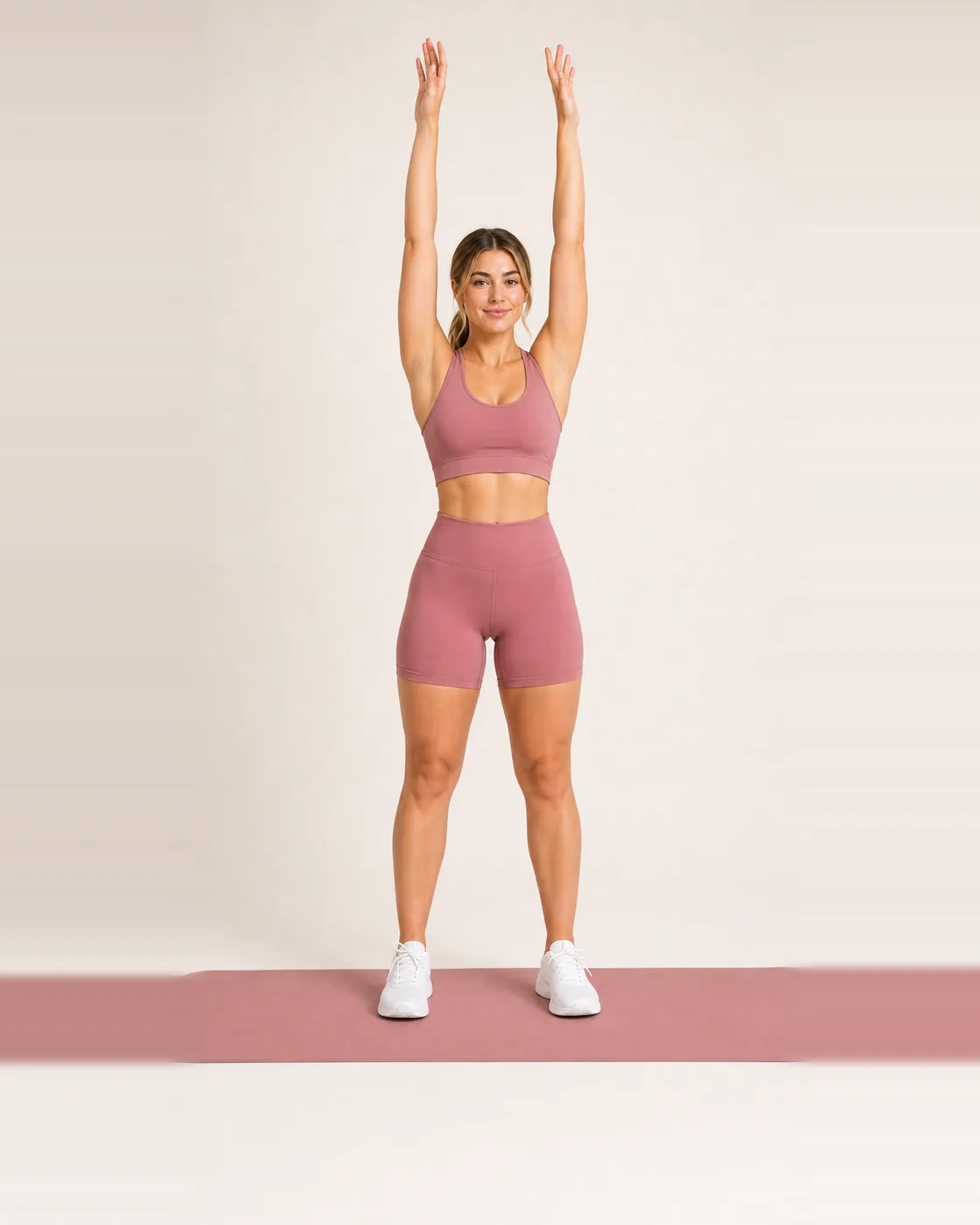
Standing tall, arms by the sides
Posture
A seated hip opener
Hips
Reaching overhead in a standing flow
Core
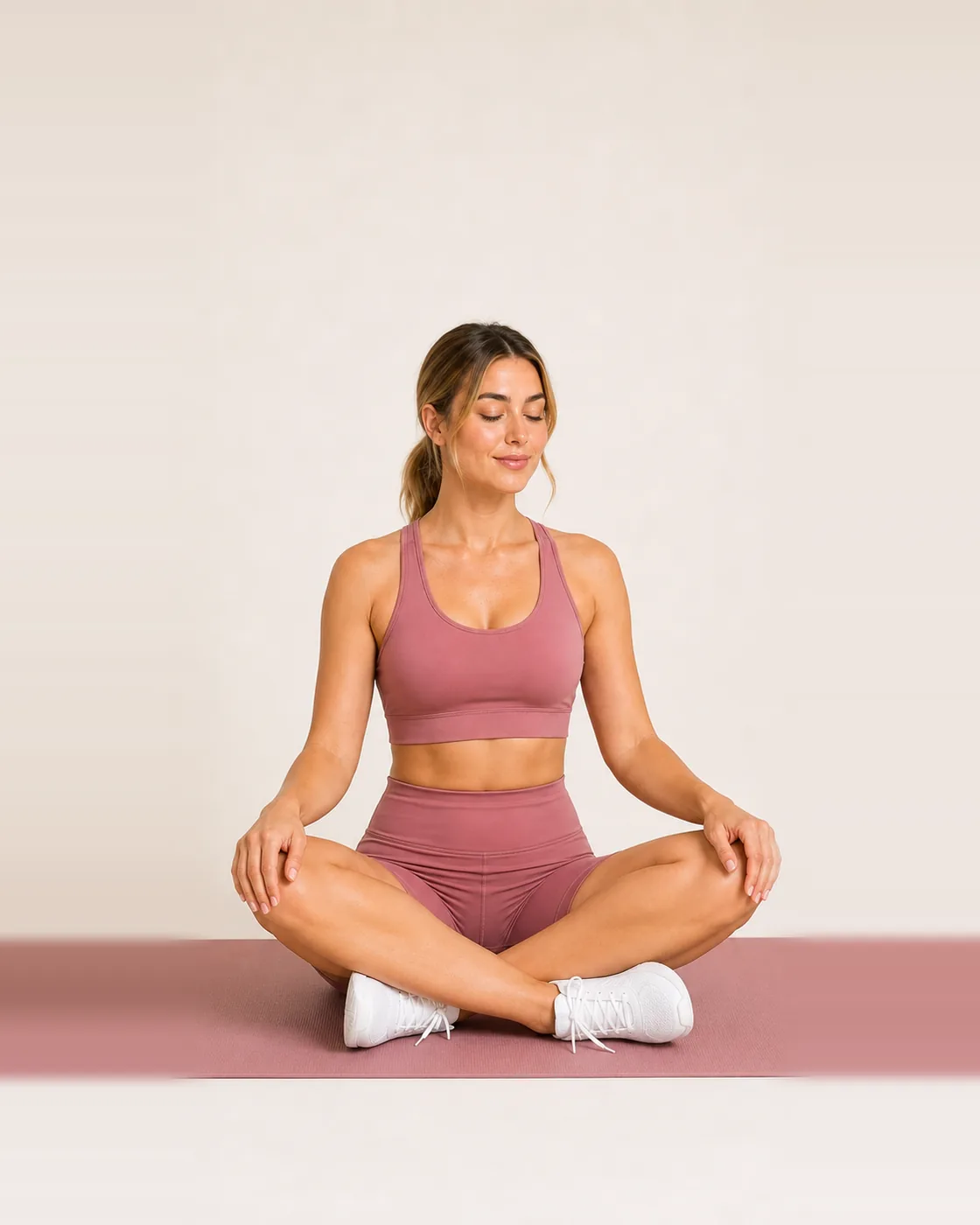
Sitting cross-legged, hands resting
Evening
01

Rules you could read. Not a model guessing.

Your plan is not generated by a machine-learning model and it is not a stock template with your name on it. The same answers always produce the same plan.

STEP 1

You answer, in your own terms

How long you want to commit for. What you want to feel. How many days a week you can realistically show up, and which ones. How long a session can be. What hurts, what you'd rather avoid, what equipment is in the room. Nothing here is a fitness test.

STEP 2

Every exercise carries its demands

Wrist load, knee flexion, spinal load, shoulder load, balance. What it needs you to be able to do. What it must never be paired with. Anything you flagged removes candidates before selection starts, and every exercise keeps a gentler variation on hand.

STEP 3

You see all 30 days before you pay

Movement days on the ones you chose, rest in between, a recovery day at the end of each week. Move a day when life moves; the week reshapes around it.

Movement Recovery Rest
The plan in motion

Movement that fits the week you have.

Short sessions, a support within reach, and a plan that reshapes when the week does.

02

It reads the cue out loud, then waits.

A recorded voice announces each movement and its cue, and the screen holds until the voice has finished. You are never chasing a timer you didn't agree to.

The screen before a session: duration, level, equipment and every exercise listed
Before you start
The session
The plan being laid out step by step
Laying out the plan
ANATOMY
BEFORE

Read the room

The exercises, the equipment, the level. Two taps to take the gentler version of everything.

MINUTE 0

Settle

A slow opening movement. Nothing loaded, nothing fast.

MIDDLE

Work, with a way out

Every exercise has a gentler variation one tap away, and a stop message if something is wrong. “I feel pain” is a button, not a footnote.

AFTER

Close it properly

A recovery movement, then a short summary you can leave without a score.

03

Pilates, barre and yoga are the same movements at different speeds.

A shoulder bridge counted 3 seconds up and 3 seconds down is pilates. Held for 30 breaths, it is yoga. Pulsed at the top with a hand on a chair, it is barre. Zovemi keeps the tempo next to the movement, so 1 reviewed library covers 3 disciplines properly instead of spreading itself thin across all of them.

Pilates

Counted tempo and an exhale on the part that works. The range stays small on purpose, because control is the point rather than effort. 8 movements of its own, plus the mat work already in the library.

Barre

Ballet shapes, an upright spine and small pulses at the end of a range. A stable chair does the job of a barre, so there is nothing to buy. 8 movements of its own.

Yoga

Poses held for a few breaths, entered and left slowly. Every pose lists a way to make it smaller, because the aim is the breath and not the shape. 8 movements of its own.

A breath pacer, not a soundtrack

A ring that expands while you breathe in and settles while you breathe out. There are 3 patterns: a longer exhale for settling, an even 4 for focus, 5 and 5 for anything else. It works with the sound off, it announces each phase to a screen reader, and it stops animating if you have asked your phone to reduce motion.

04

If you are pregnant, the plan changes with the weeks.

Ask your midwife or doctor first. Zovemi will not turn this on until you confirm they have agreed. It is a checkbox you cannot skip, not a line of small print.

What it does

You enter a due date. From week 12 face-down positions come out, from week 16 anything flat on your back, from week 20 the moves that load the middle hard, from week 28 the ones that ask a lot of your balance. Each session tells you which movement was swapped and why.

Where the thresholds come from

ACOG Committee Opinion 804 and NHS guidance on exercise in pregnancy. Modified pilates and yoga are named in both as suitable, provided the positions that reduce venous return are left out. That is exactly what the app removes.

What the app will not do

It will not decide for you. The pregnancy programme opens only after you confirm that your midwife or doctor has agreed, the condition is repeated on the programme screen, and the app tells you to stop and contact them the moment something feels wrong. This is general movement guidance, not antenatal care.

Stop, and then ask

Stop the session straight away and contact your midwife or doctor if you notice bleeding or fluid, regular painful contractions, tummy or chest pain, a headache that will not go, dizziness, calf pain or swelling, breathlessness before you have started, or your baby moving less than usual. The app carries that list on every screen of the programme, and repeats it in the footer of every adapted session.

The app itself

One minute is enough to see how it works.

Today’s session, the plan laid out week by week, the library with its filters, the wellbeing tab and the start of a session. There is no sign-up wall in the way, because the preview session runs without an account.

  • One movement at a time. The cue is read out loud, then the app waits for you.
  • A gentler version mid-session. One tap, no restarting.
  • Tempo on screen. Counted for pilates, pulsed for barre, held for yoga.
05

62 movements, every one signed off.

Every entry carries a review sign-off, a gentler variation and a stop message, and nothing enters a plan without all three. 57 of the 62 are marked for people starting out, so the library stays usable on day 1. The 12 pregnancy movements have their own coach and their own sign-off.
Foundations · 26

  • Bodyweight squatBeginner
  • Chair squatBeginner
  • Hip hingeBeginner
  • Reverse lungeIntermediate
  • Supported split squatBeginner+
  • Standing calf raiseBeginner
  • Standing hip abductionBeginner
  • Glute bridgeBeginner
  • Side-lying clamshellBeginner
  • Dead bugBeginner+
  • Alternating toe tapsBeginner
  • Bird dogBeginner+
  • Forearm plank from the kneesBeginner
  • Side plank from the kneesBeginner+
  • Wall push-upBeginner
  • Wall angelBeginner
  • Low cobra liftBeginner
  • Cat–cowBeginner
  • Child’s pose with a reachBeginner
  • Thread the needleBeginner+
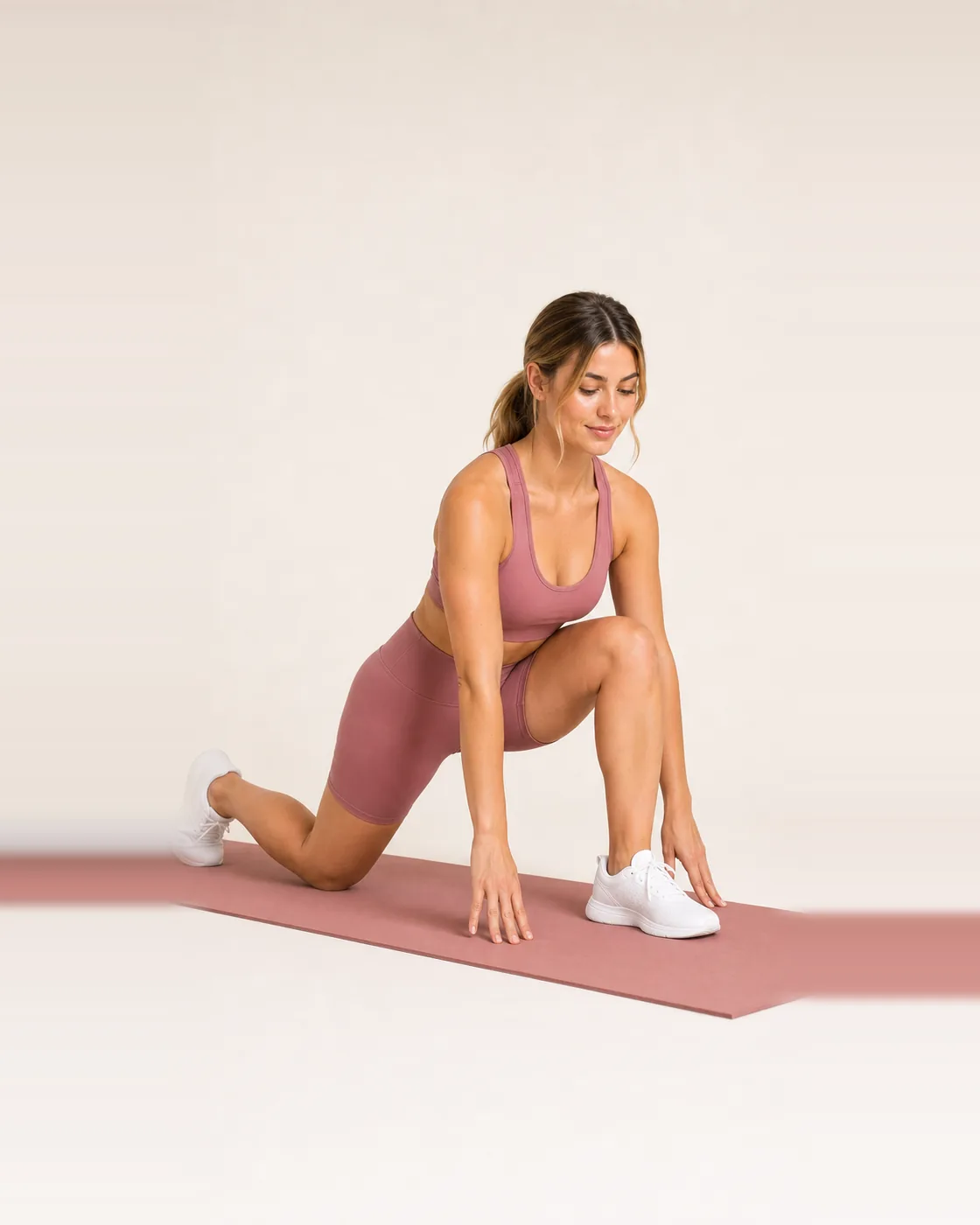
  • Gentle low lungeBeginner+
  • Half-kneeling hip flexor stretchBeginner
  • Butterfly foldBeginner
  • Supine figure fourBeginner
  • Supine spinal twistBeginner
  • Standing side bendBeginner

Pilates · 8

  • Pilates chest liftBeginner
  • Pilates hundred prepBeginner+
  • Pilates single-leg stretchIntermediate
  • Pilates spine stretch forwardBeginner
  • Pilates shoulder bridge rollBeginner+
  • Pilates side-lying leg seriesBeginner
  • Pilates mermaid side stretchBeginner
  • Pilates wall roll-downBeginner

Barre · 8

  • First-position pliéBeginner
  • Second-position pliéBeginner
  • Barre relevé holdBeginner
  • Barre attitude liftBeginner+
  • Supported curtsy lungeIntermediate
  • Quadruped seat pulsesBeginner
  • Barre port de brasBeginner
  • Supported chair-pose pulseIntermediate

Yoga · 8

  • Downward-facing dogBeginner+
  • Warrior IIBeginner
  • Supported triangleBeginner
  • Tree poseBeginner
  • Seated forward foldBeginner
  • Sphinx poseBeginner
  • Standing forward foldBeginner
  • Sun salutation AIntermediate

Pregnancy · 12 · own coach

  • Wall-supported squatBeginner
  • Quadruped pelvic tiltBeginner
  • Seated connection breathBeginner
  • Side-lying leg liftBeginner
  • Standing hip circlesBeginner
  • Seated chest openerBeginner
  • Seated figure fourBeginner
  • Side-lying restBeginner
  • Quadruped leg slideBeginner
  • Supported pliéBeginner
  • Wall side stretchBeginner
  • Supported wide child’s poseBeginner
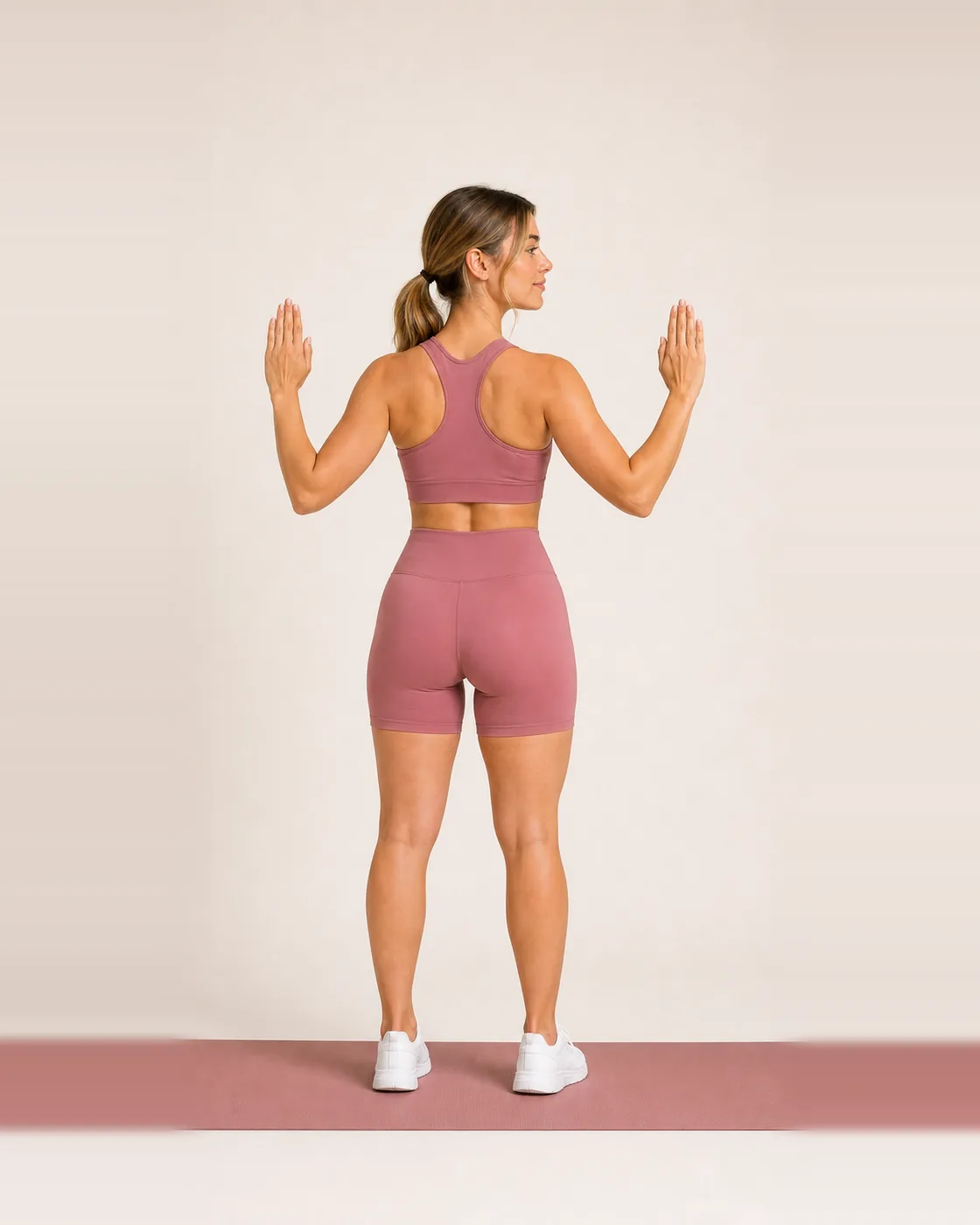
A back and posture exercise demonstrated on a mat
Back & posture
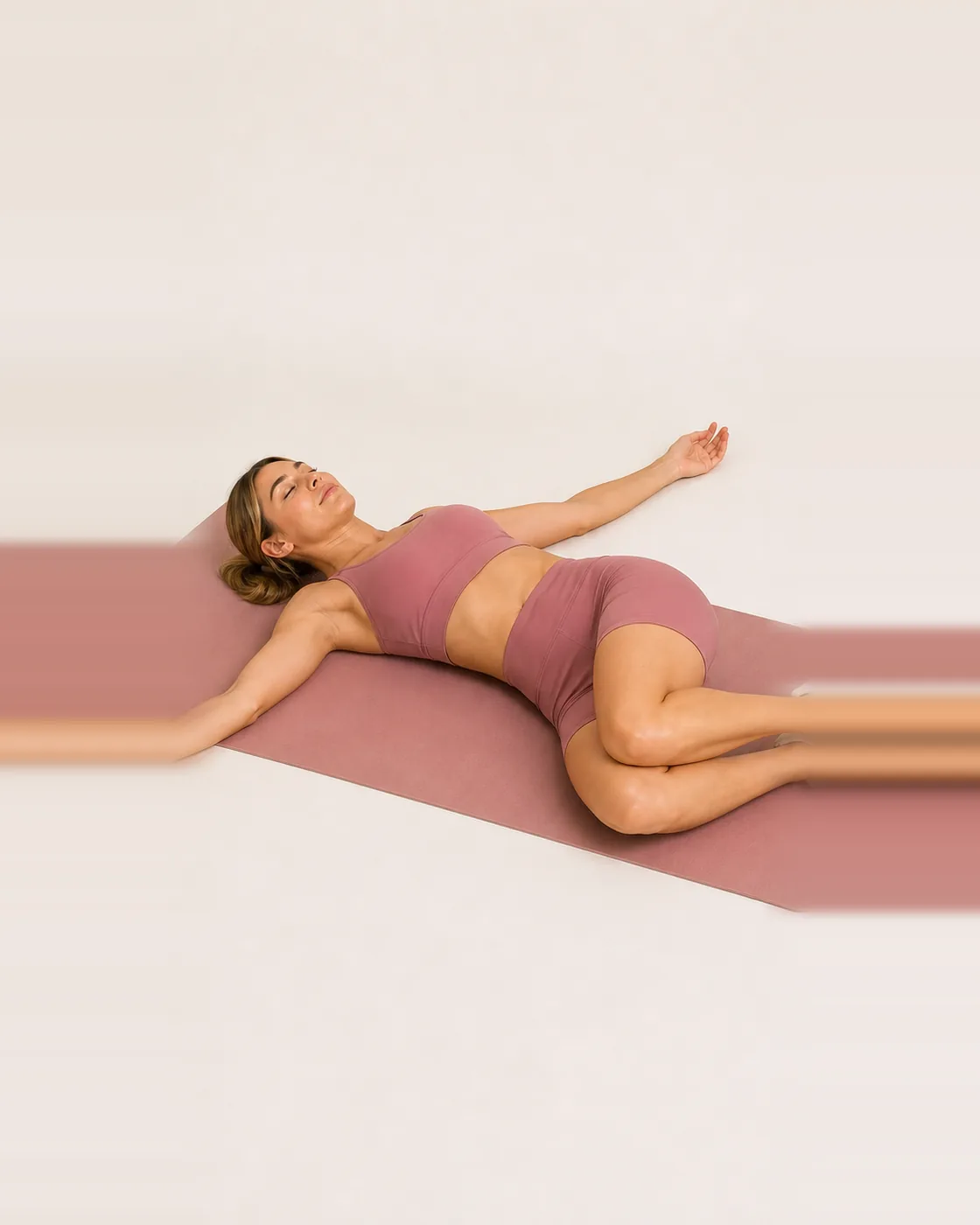
A recovery stretch on the mat
Recovery
06

What Zovemi will never do.

Some of the most-used tricks in this category are the ones we left out on purpose.

No before-and-after theatre

No body scoring, no “problem areas”, no promises about a flat stomach or burning fat off a chosen spot. That is not how bodies work, and pretending otherwise sells a lot of apps.

No detox, no cleanse

Nutrition content is general education about hydration, sleep, protein and regular meals. It is not a diagnosis, not a prescription, and it says so where you read it.

No medical claims for sound

The audio sessions include binaural beats. They are there to help you settle, not to treat anything, and the app says that plainly, with the volume and headphone cautions next to it.

Weight tracking is optional and off

The Lighter module exists only if you switch it on behind a consent screen. A 7-day trend instead of a daily verdict, a hidden-numbers mode, and a standing note about pregnancy, medication and a history of disordered eating.

Zovemi is not medical care. It does not diagnose, treat or replace a clinician. If you are pregnant, recovering from injury or surgery, managing a condition, or something hurts in a way that worries you, talk to a professional first, and stop any movement that causes pain, dizziness or breathlessness.

07

Try a session before you pay a thing.

The preview costs nothing and needs no account. After that, one subscription unlocks everything: the full plan, Studio, the pregnancy programme, every audio session and your progress.

Start here

Free preview

0

  • Answer the questions, see your whole 30, 60 or 90-day plan
  • One full guided exercise with the spoken cue
  • No account, no card, nothing scheduled
No commitment

Premium, monthly

Month by month

  • The same full access, billed monthly
  • Cancel any time, keep access to the end of the period
  • Switch to yearly whenever you like

Exact prices are set by the App Store for your country and shown in the app in your local currency before you confirm anything. Subscriptions renew automatically unless cancelled at least 24 hours before the end of the period.

08

The things worth asking.

Is the plan made by AI?
No. Your answers run through a rule set we wrote and can explain. It is deterministic: the same answers produce the same plan, every time. Calling that “AI” would be borrowing a word it has not earned.
I've never done any of this. Is it going to be too hard?
57 of the 62 movements are marked for people starting out, and every one carries a gentler variation you can switch to mid-session. Sessions start at 10 minutes. If something hurts, the app tells you to stop instead of pushing through.
Do I need equipment?
Most of the library needs nothing but floor space. A few movements use a chair or a wall. You tell the app what you have during onboarding, and anything you don't have is left out.
What do you collect about me?
Your onboarding answers, your plan and your progress stay on your device. Analytics and crash reporting are off until you switch them on, and a list in the code stops injuries, pregnancy, weight, email or notes ever reaching an analytics event. The privacy policy says exactly what is stored and where.
Is there an Android version?
The iPhone app is first. Android is in progress; the same plan engine and the same content run underneath it.
Can I use it while pregnant?
Only if your midwife or doctor has agreed to it, and the app will not turn the pregnancy adaptations on until you confirm that. Once it is on, you enter a due date and your normal sessions change with the weeks: face-down positions go from week 12, lying flat on your back from week 16, hard work through the middle from week 20, and anything that asks a lot of your balance from week 28. Every session names what was swapped and why. The thresholds follow ACOG and NHS guidance, but they are still general movement content, not antenatal care.
Is there a pregnancy programme of its own?
Yes. It has its own instructor and its own sessions, and it sits in Studio next to pilates, barre and yoga. It opens only after you confirm that your midwife or doctor has agreed you can exercise, and the programme screen repeats that condition every time. The week-by-week adaptations work today.
How much does it cost?
The preview session is free and needs no account. Everything else sits behind one subscription, monthly or yearly, and the yearly plan starts with a 7-day free trial. The App Store sets the exact price for your country and the app shows it in your currency before you confirm. Zovemi never shows a price that did not come from the store.
Can I cancel?
Yes, any time, in your App Store subscription settings. If you cancel during the trial you pay nothing. If you cancel later you keep access until the end of the period you already paid for. The app sends one reminder before the trial ends, and never a sales push after that.
Can I use it while injured or in treatment?
Ask the person looking after you first. Zovemi is general movement and wellbeing content, not clinical care, and it cannot know what your situation needs. The app asks about limitations during onboarding and excludes what you flag, but that is not a substitute for advice.
09

Write to us.

A person reads every message. Bug reports, questions about your anything still in Polish inside the app: all of it is useful.

We use what you write only to answer you. It is not added to a mailing list and not used for advertising. You can also write straight to support@zovemi.com.

Try a session before you decide anything.

The preview session is free and needs no account. Answer a few questions, see the plan it writes, and run a session before you decide anything.

Android is still in progress. The iPhone app is the one you can install today.